![GoTab Logo - White.png]](https://success.gotab.io/hs-fs/hubfs/GoTab%20Logo%20-%20White.png?height=40&name=GoTab%20Logo%20-%20White.png)
Step 1. Click +Takeout/Delivery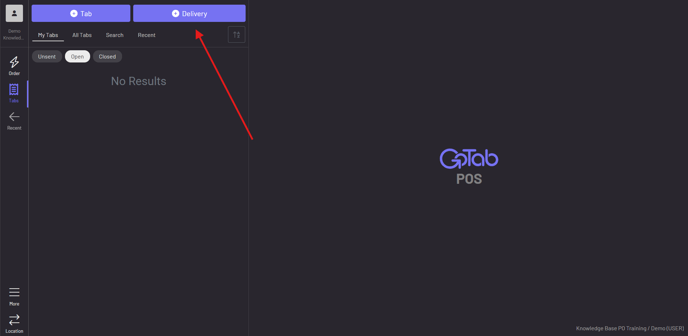
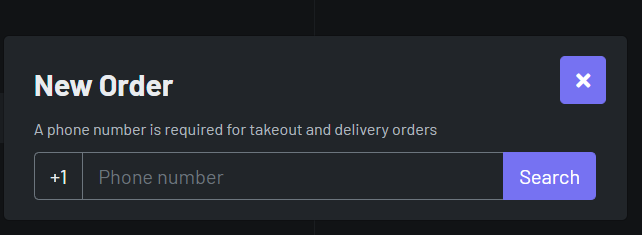
Step 2. Enter in guests phone number, if they have used GoTab before their name should pop up. If not add their name
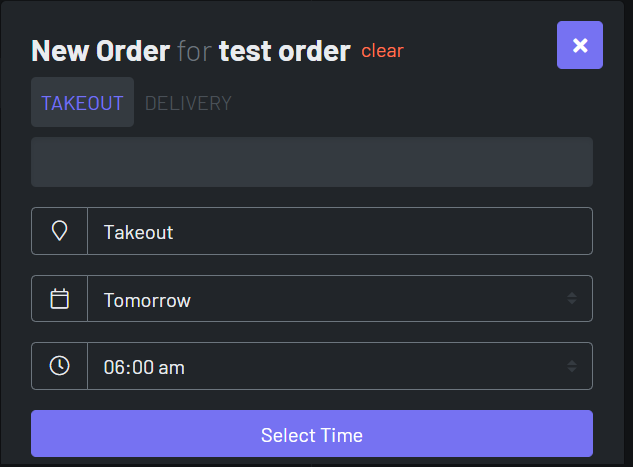
Step 3. Select type of order (takeout or delivery), date you want to place the order for, and time you want to place the order for
Step 4. Add items to the guests order
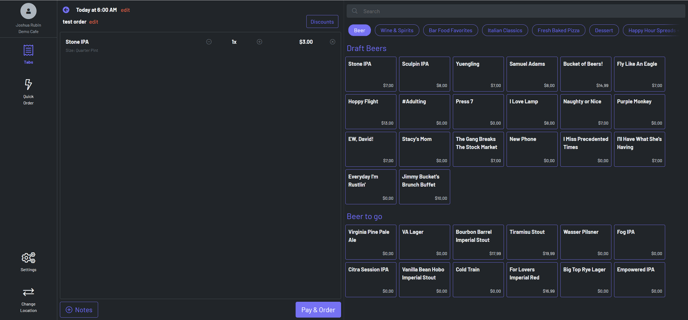
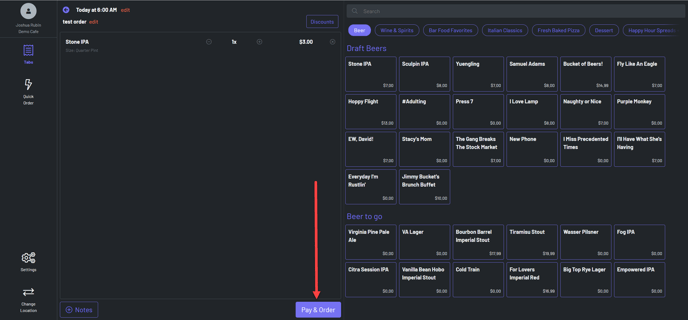
Step 5. Once all items are added to order, hit Pay & Order
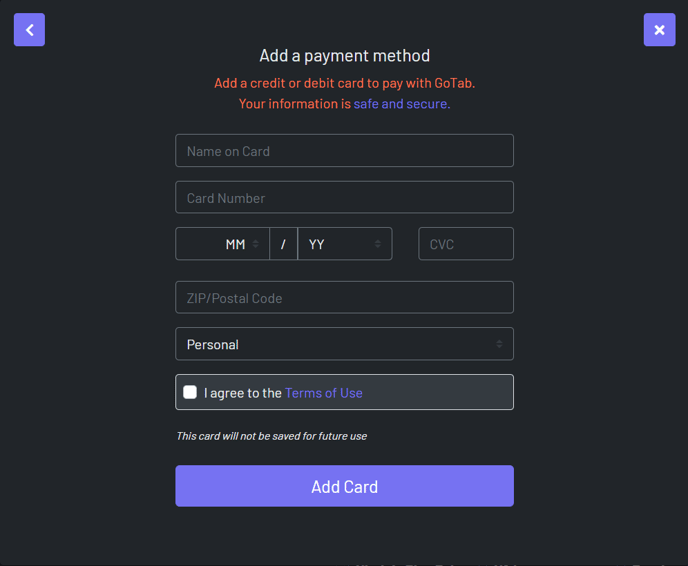
Step 6. Enter in guest's card info and hit add card. (note: this will not save the guests info, it will only be used for the one transaction and will be wiped out after)