![GoTab Logo - White.png]](https://success.gotab.io/hs-fs/hubfs/GoTab%20Logo%20-%20White.png?height=40&name=GoTab%20Logo%20-%20White.png)
You can view a report of your variants for a custom date range.
- Input the desired date range
- Select Variant Report
- Press submit
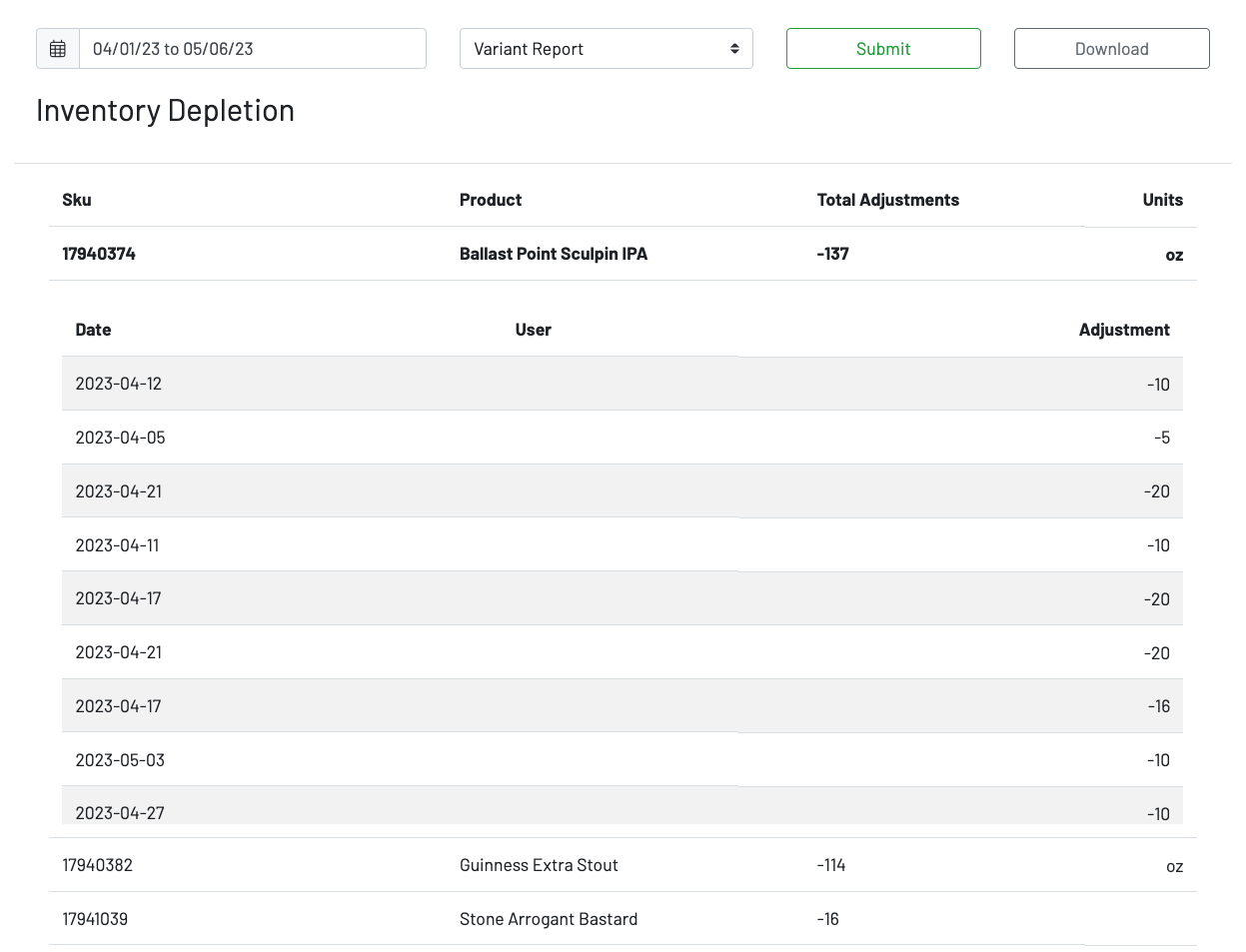
You can click on a product to view the date, the user who initiated any adjustments, and the adjustments themself.
You can also choose to download a csv of the date from your specified date range.