![GoTab Logo - White.png]](https://success.gotab.io/hs-fs/hubfs/GoTab%20Logo%20-%20White.png?height=40&name=GoTab%20Logo%20-%20White.png)
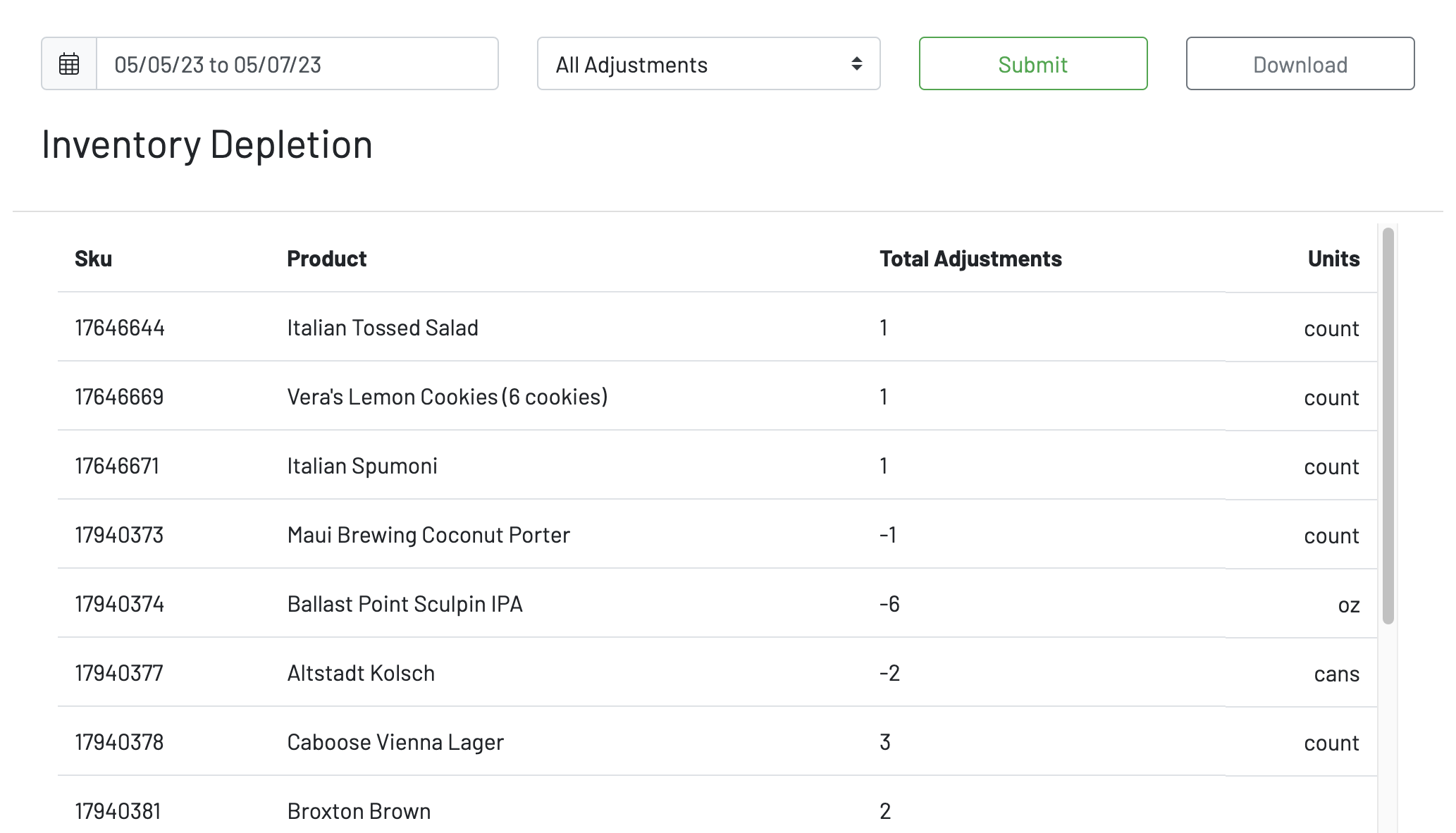
To view Inventory adjustments and depletions, navigate to the inventory page under the Reports section in the Manager Dashboard.
- Choose a date range
- Choose an adjustment type, or just view "All Adjustments"
- Press submit
You will then be able to view
- Sku
- Product
- Total Adjustments
- Units
You can choose to download this report.
To learn how to update stock levels, click here.