![GoTab Logo - White.png]](https://success.gotab.io/hs-fs/hubfs/GoTab%20Logo%20-%20White.png?height=40&name=GoTab%20Logo%20-%20White.png)
You can manage your menu and set product delays from any POS Display which mirrors the KDS function.
To access your POS Menu Management, navigate to your POS
- More > Products
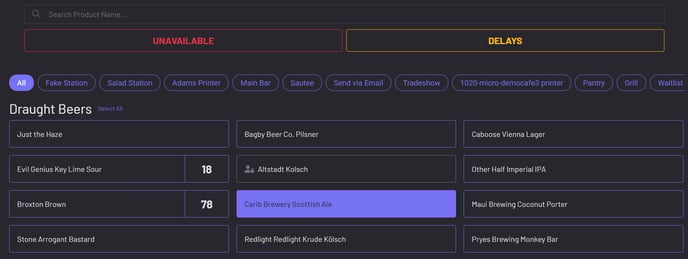
Simply press on any product to mark it unavailable or set a delay!
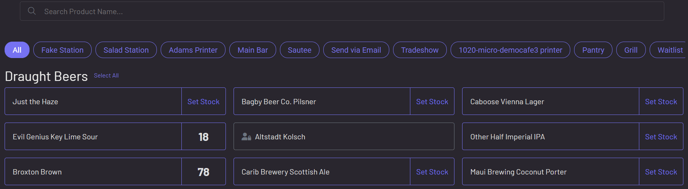
To adjust stock level, click on Set Stock next to the product