![GoTab Logo - White.png]](https://success.gotab.io/hs-fs/hubfs/GoTab%20Logo%20-%20White.png?height=40&name=GoTab%20Logo%20-%20White.png)
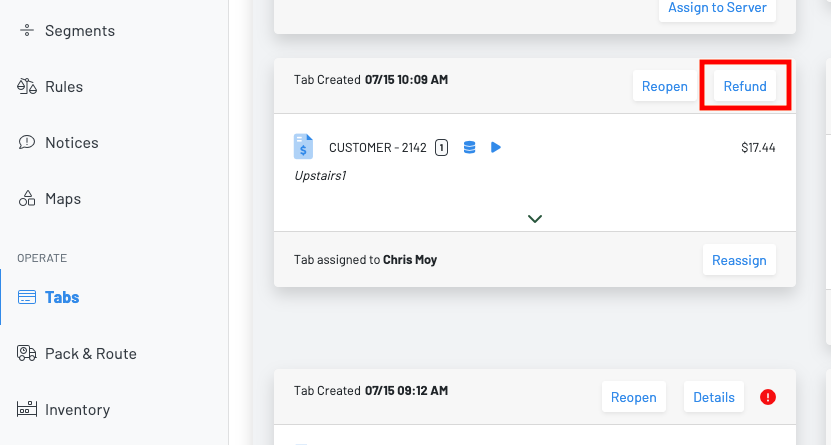
Step 1: Find the tab and click "Refund"
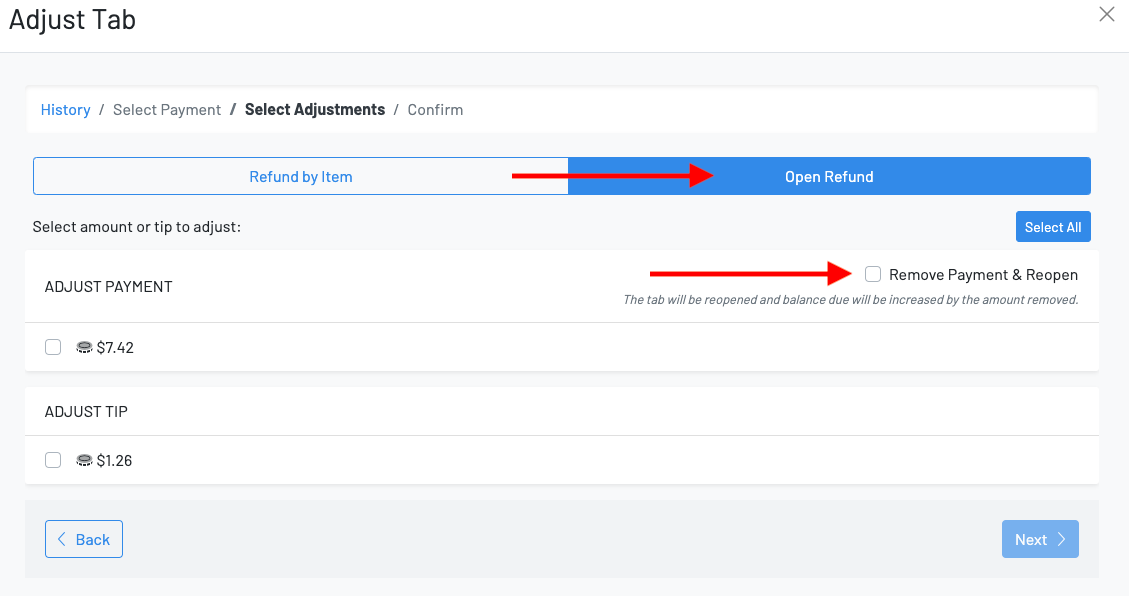
Step 2: Click Open Refund ----> Remove Payment & Reopen ----> Select Amount ---> Next ---> Submit
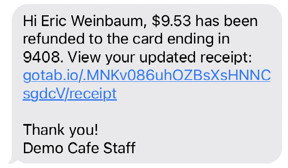
Step 3: Customer will get a text with a link back to their tab
Step 4: Click Close Tab
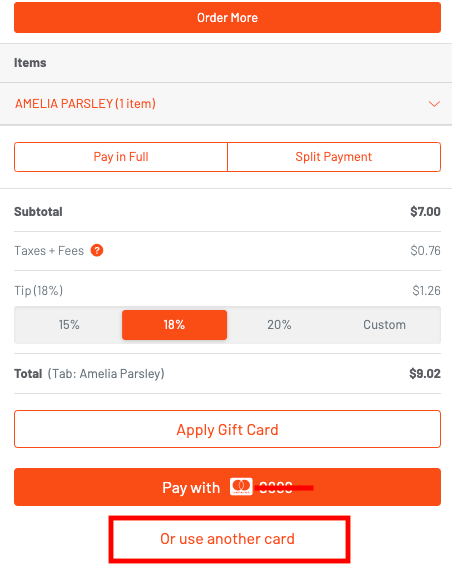
Step 5: Click use another card