![GoTab Logo - White.png]](https://success.gotab.io/hs-fs/hubfs/GoTab%20Logo%20-%20White.png?height=40&name=GoTab%20Logo%20-%20White.png)
- The first step in using your task display will be ensuring your products are correctly linked to YouTube™ videos or the meez integration is enabled at your location.
- The second step will be ensuring your KDS and Task Display are paired correctly.
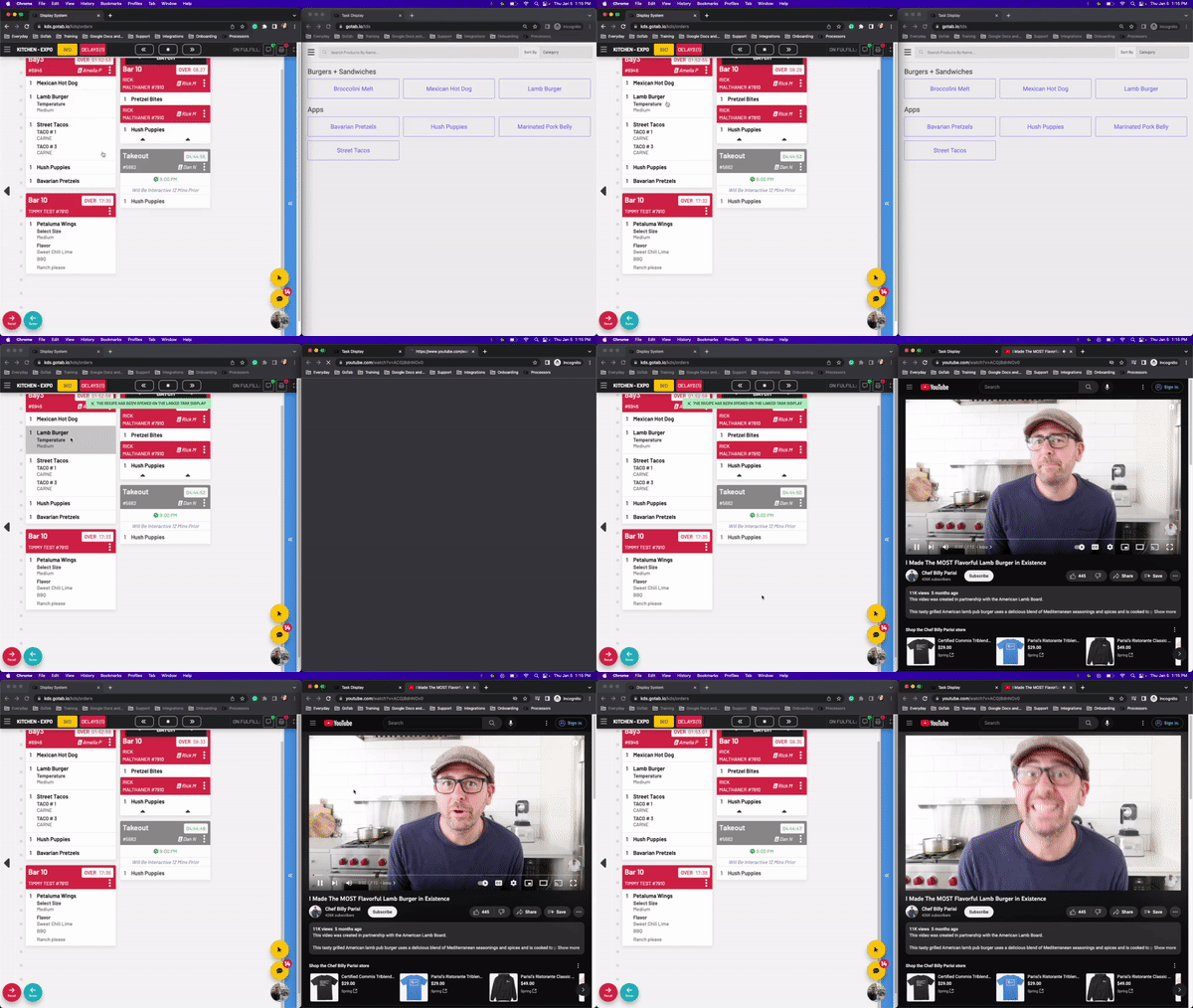
To begin using the task display, open up your KDS and Task Display.
- On the KDS, press and hold a product
- If multiple task displays are linked to a KDS you will be prompted to select one or multiple.
- On your task display, the recipe will automatically pop up.