![GoTab Logo - White.png]](https://success.gotab.io/hs-fs/hubfs/GoTab%20Logo%20-%20White.png?height=40&name=GoTab%20Logo%20-%20White.png)
To enable rush orders on the POS, navigate to your Manager Dashboard.
- Location Settings > Edit > Scroll down to "Display Settings"
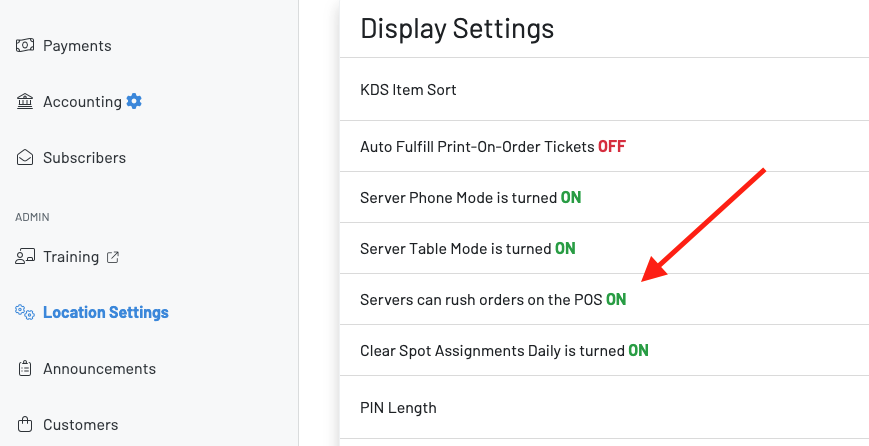
Make sure this is turned on.
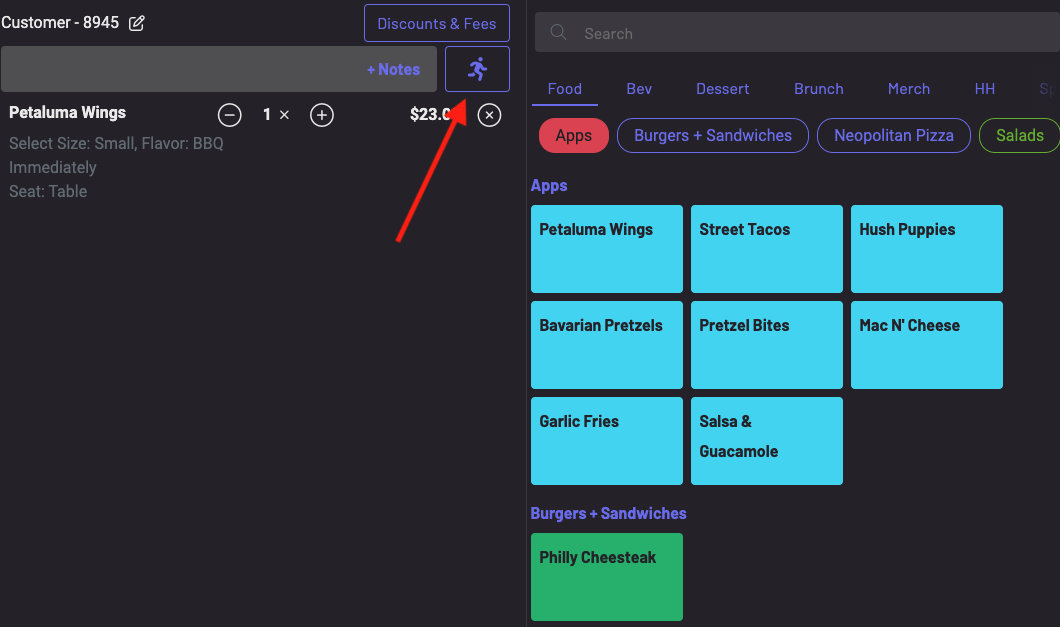
Next, navigate to your POS and begin to place an order.
- Press the RUSH icon.
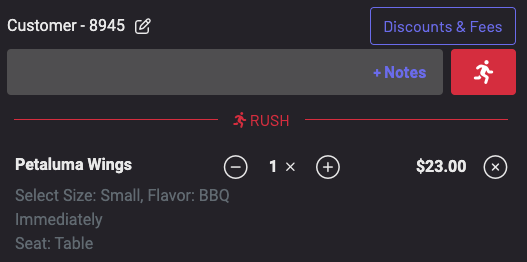
The icon will then highlight in red and your order will be listed as rushed.
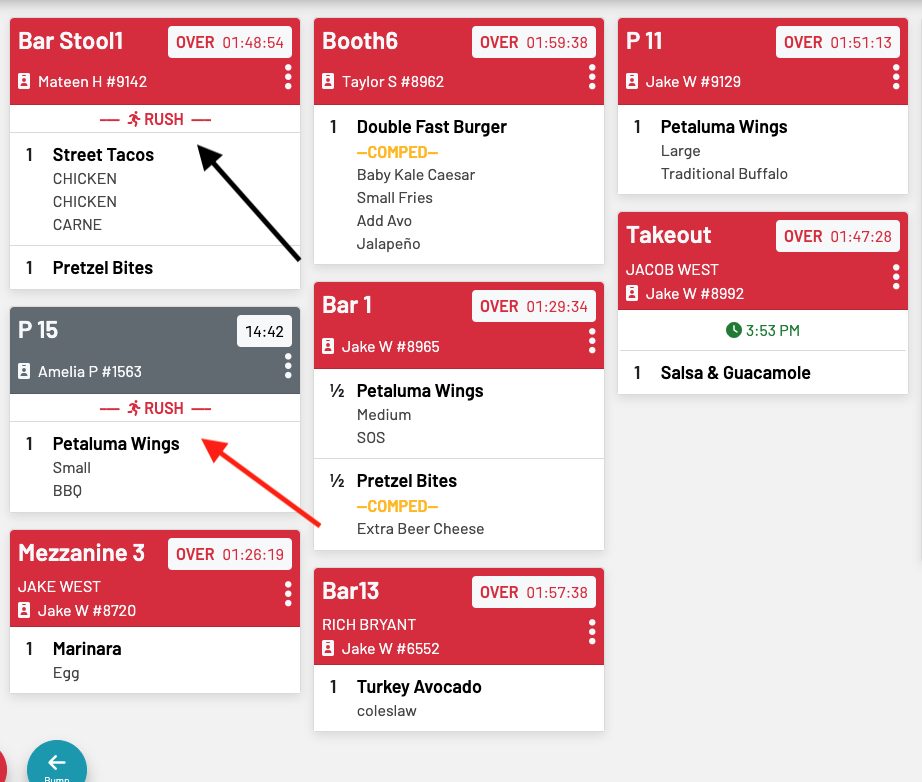
View your rushed orders first on your KDS.
Note: You can only rush newly created orders. You cannot rush any existing orders on previous tabs.